
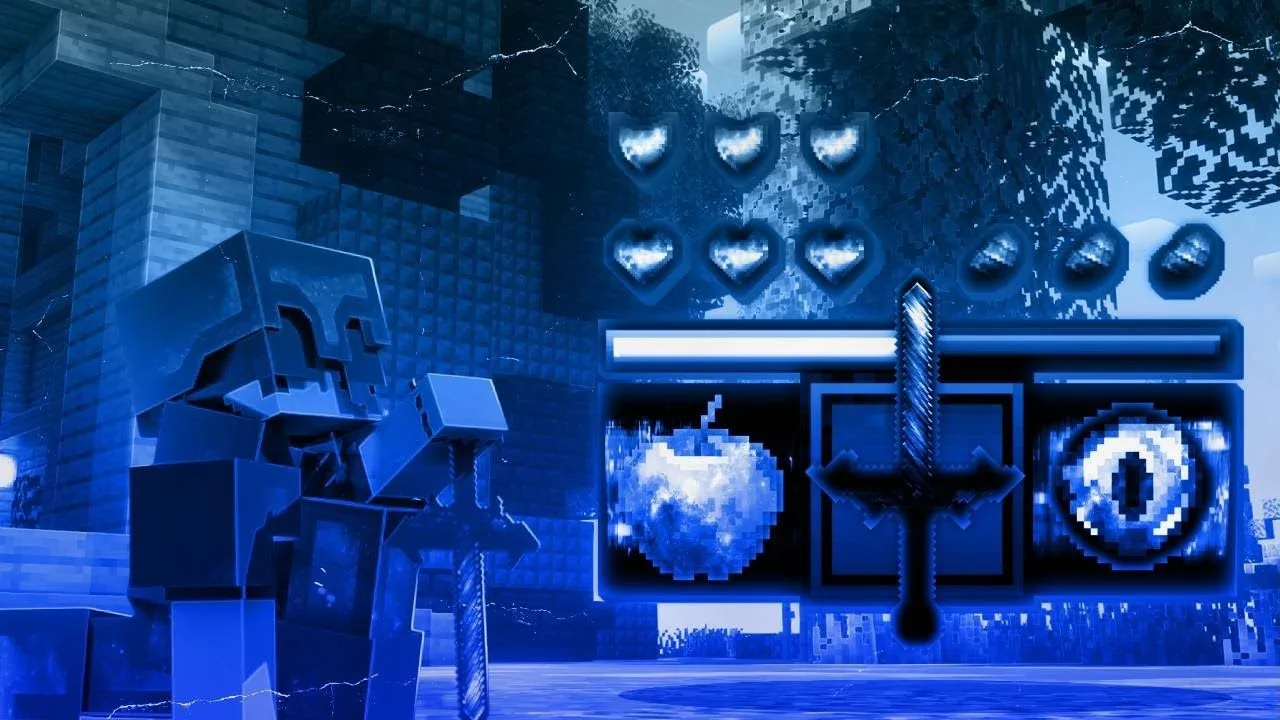

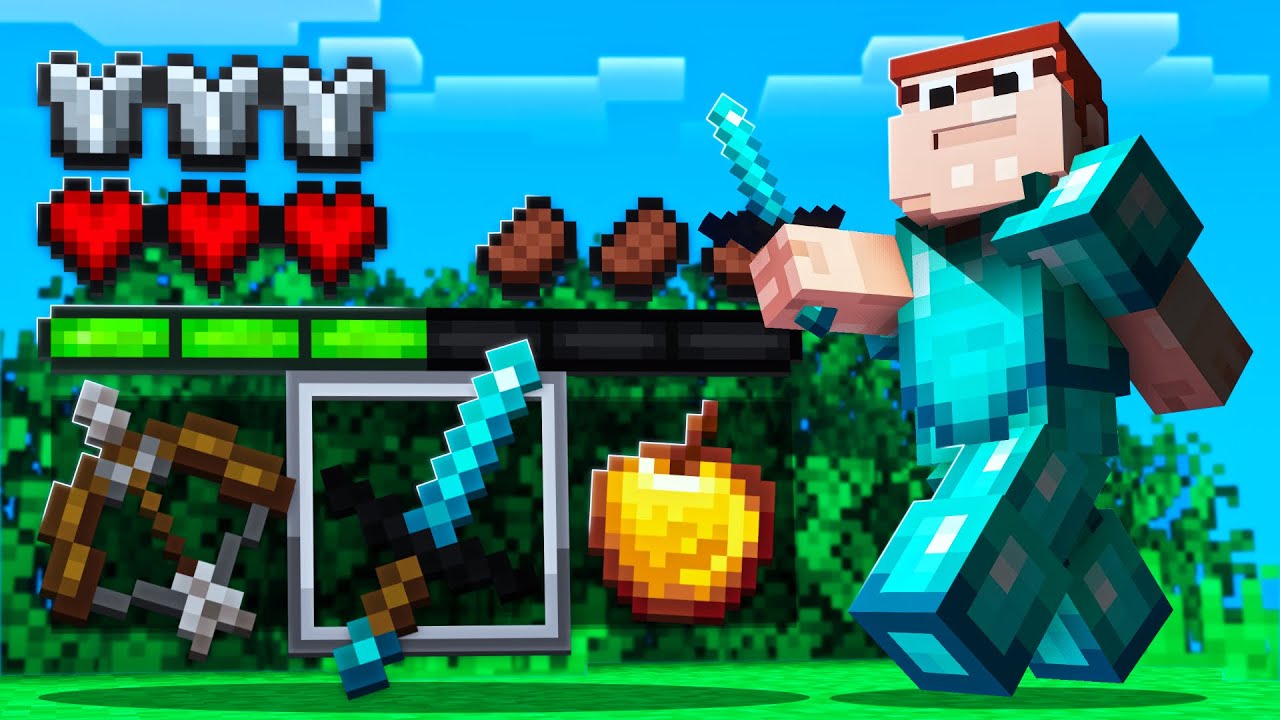
Ace 2k v2
By Xenon • 57 downloads • 32x
Ace 2k v2
By Xenon • 57 downloads • 32x
Minecraft Java Edition Texture Packs
Resource packs for Minecraft Java Edition (PC, Mac and Linux), including popular 16x PvP packs for 1.8.9 and packs for modern versions such as 1.21.
Java packs are .zip files. Each pack page shows which Java version it was made for, because the pack format changes between versions.
Playing on Bedrock instead? Browse Bedrock packs.
Join Our Discord Community
Connect with creators, discover new packs and get exclusive updates.
Join
32x
View all →


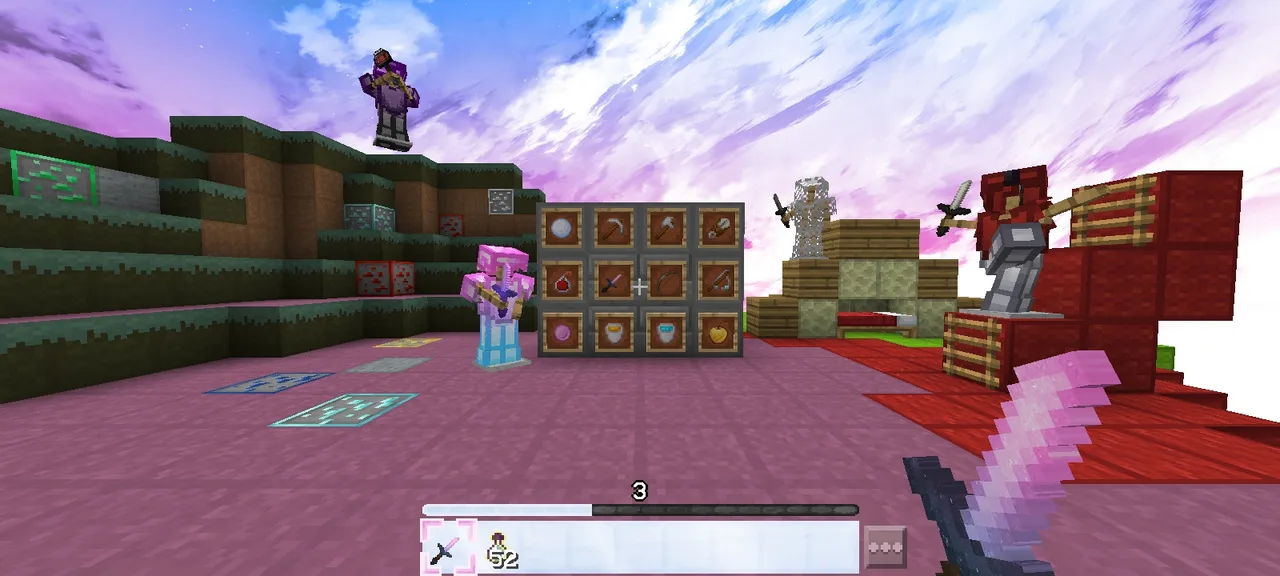


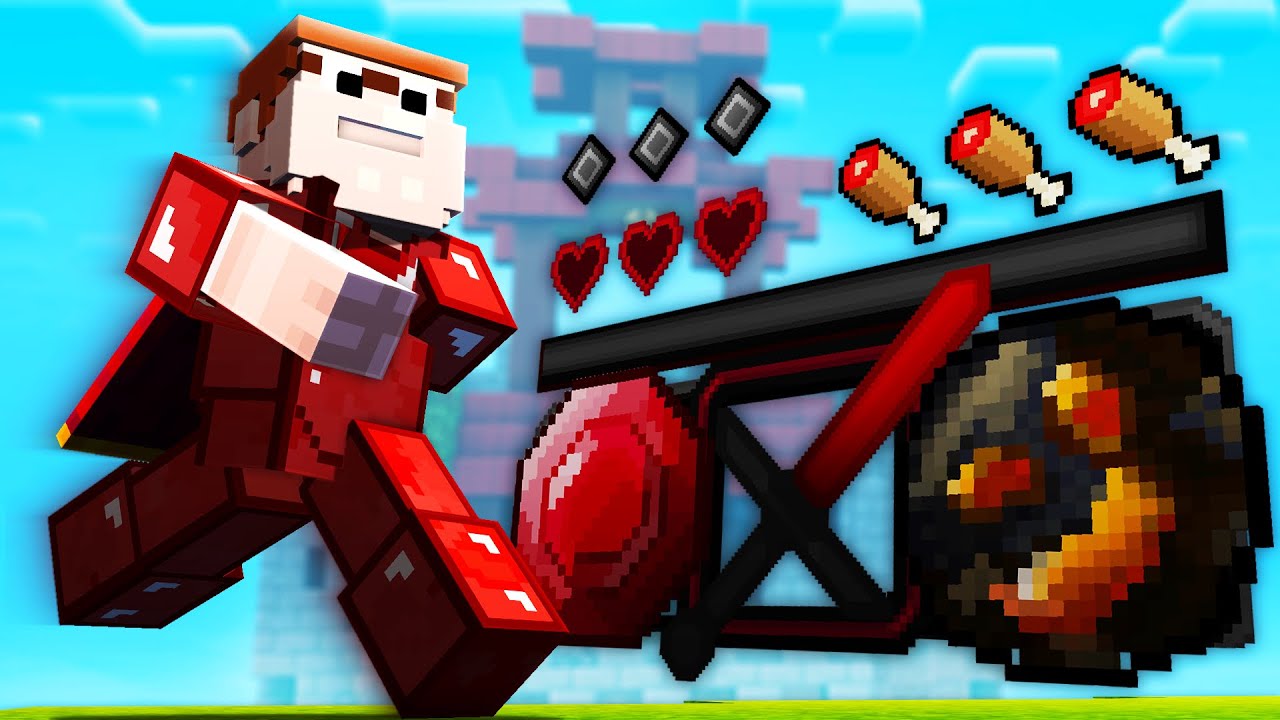


16x
View all →


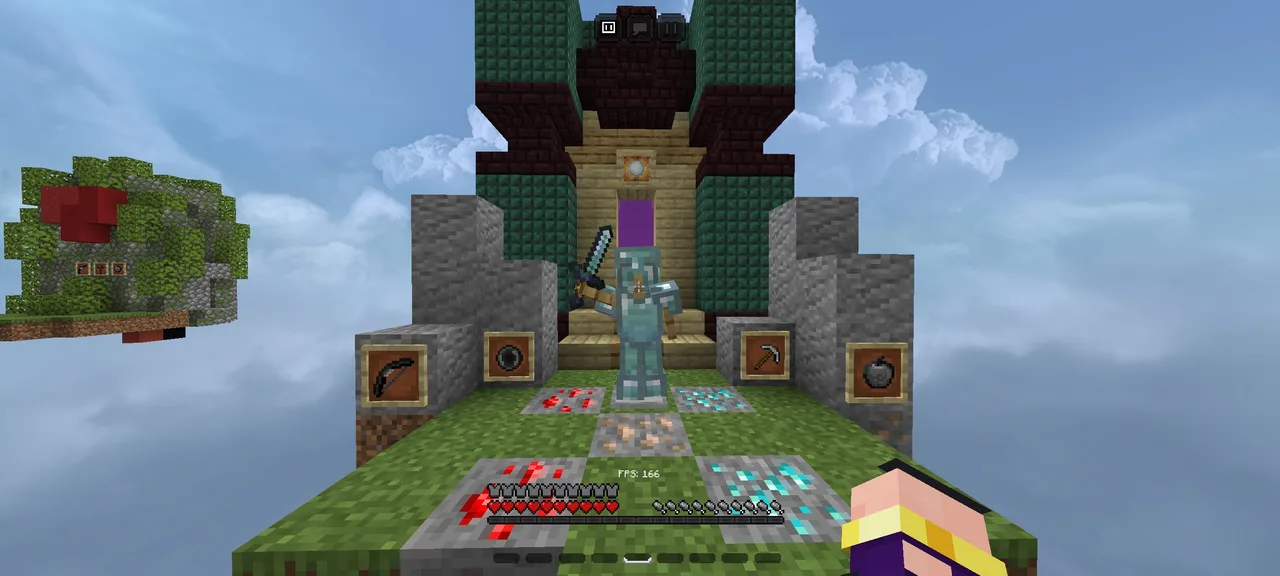



Blue
View all →


How to install a texture pack
Java Edition
- Download the pack. Keep it as a .zip file; do not extract it.
- In Minecraft Java Edition open Options, then Resource Packs, then Open Pack Folder, and move the .zip into that folder.
- Back in the Resource Packs screen, move the pack from the available list to the selected list and press Done.
Frequently asked questions
- What is the difference between Java and Bedrock texture packs?
- They are different formats. A Java resource pack will not load in Bedrock Edition and a Bedrock pack will not load in Java Edition, which is why OGTextures lists them separately. Some creators publish both versions of the same pack.
- Will a texture pack lower my FPS?
- It can. Higher resolution packs such as 64x use more memory than 16x packs. Many PvP packs are 16x for this reason. Your hardware and other settings matter too.
- A pack is not working or I want to report one. What should I do?
- Use the contact page for problems. If you are a rights holder and want a pack removed, see the DMCA page.
OGTextures Community
Real usage across the OGTextures ecosystem.
0
Texture Packs
0
Downloads
0
Creators